



Why a coupon sometimes will not apply at the till
Work through the offer’s dates, participating branch, purchase conditions and coupon status before asking the merchant or B-ticket for help.
· 2 min read ·
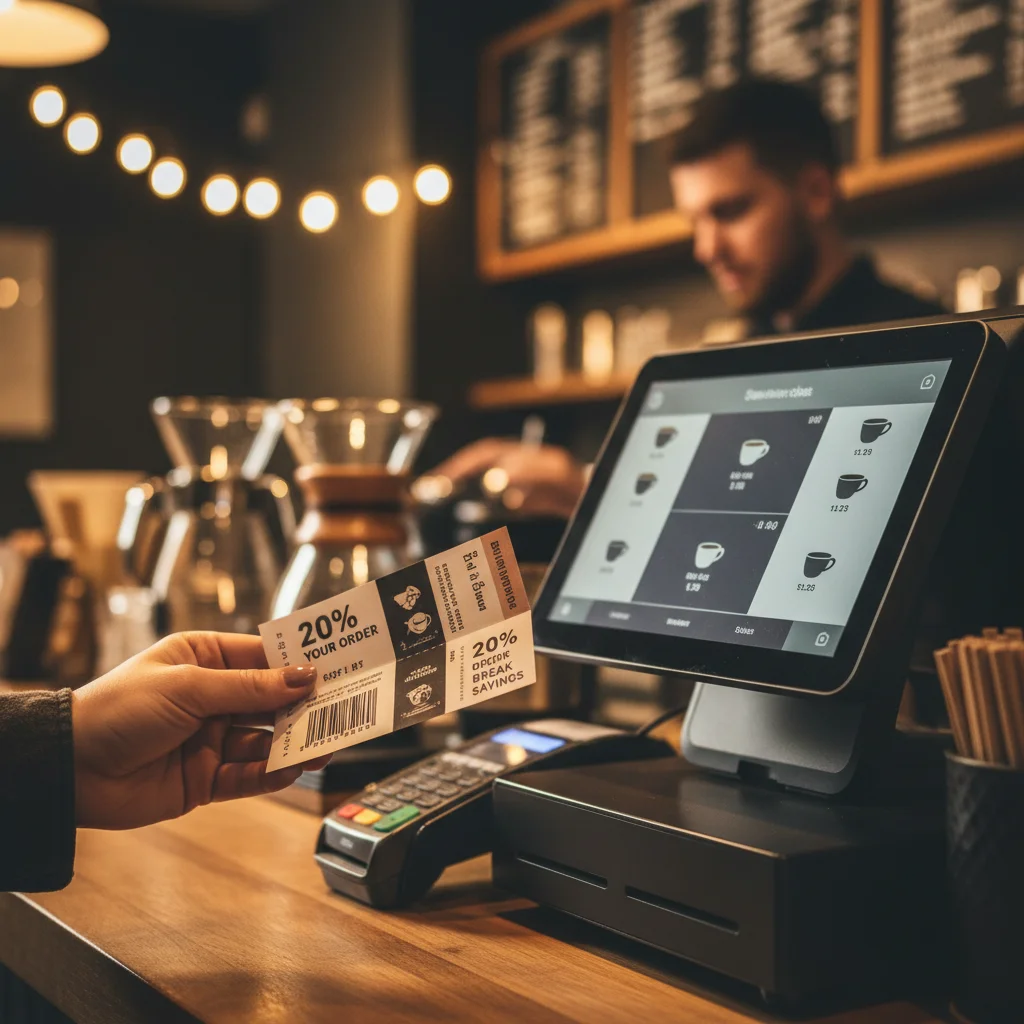
If a coupon will not apply at the counter, compare the current offer with your visit and order. Check the validity period, participating branch, purchase conditions and coupon status first. These checks help you identify a specific question for the cashier or B-ticket support.
Check the offer before changing your order
Open the current coupon rather than relying on a saved promotional image. Read the merchant’s terms and identify the condition that appears to be blocking redemption. If the wording is unclear, ask staff to confirm it before you place or change an order.
- Validity: check the dates and any applicable days or times. B-ticket’s FAQ says expired promotions cannot be redeemed.
- Branch: confirm that the location you are visiting participates in this particular offer.
- Purchase: check eligible items, minimum spend and any other conditions stated in the listing.
- Combination: check whether another promotion is already being applied. B-ticket’s general rule is one promotion per transaction unless the merchant states otherwise.
Separate claiming from using the coupon
Claiming a coupon and having the merchant accept it are separate steps. B-ticket’s published instructions tell customers to select an offer and show the digital coupon at the partner merchant, or apply a code at checkout when that method is provided. Follow the method attached to the offer you selected.
The website also distinguishes a coupon that is ready to claim from one already claimed. If your coupon is already in your account, open it there rather than repeatedly trying to claim the same offer.
Check access and the message on screen
Sign in when the service asks you to do so. Browsing and claiming coupons are free, while deals labelled Subscriber Offer require an active B-ticket subscription. Check the label on the offer you want to use; a subscription requirement should be resolved through the normal account flow.
If the service displays an error, note its wording. An eligibility message, an account message and a temporary connection failure call for different follow-up. Avoid guessing that a new claim or repeated button presses will resolve every problem.
Ask for help with the relevant details
Show the merchant the current coupon and the condition you have checked. Explain the branch, date, eligible purchase and any message displayed. Ask which requirement has not been met so the issue can be assessed against the published offer.
If the issue remains unresolved, use the in-app Help Center or contact B-ticket. Include the offer link, merchant and branch, time of the attempt, error wording and a screenshot with private account or payment details removed. Keep any relevant receipt if a transaction has already taken place.
The B-ticket FAQ contains the platform’s general usage rules. The individual offer supplies the conditions for that particular promotion, so keep both available when explaining the problem.
Updated October 30, 2026.


